 JEE PYQ Lock
Support
JEE PYQ Lock
Support
Solve to scroll.
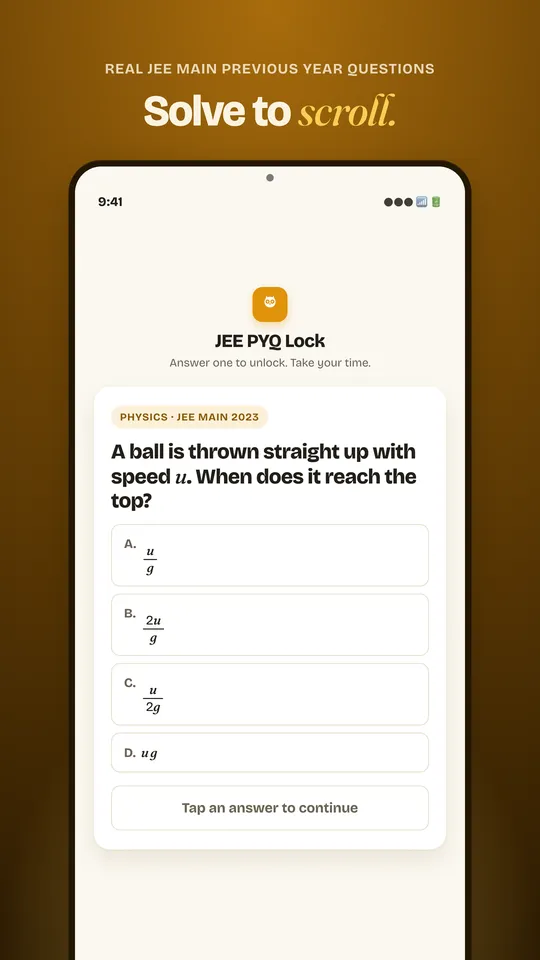
JEE PYQ Lock puts a real JEE Main previous year question in front of your distracting apps. Before Instagram, YouTube or any app you choose can open, you answer one PYQ. The minutes you would have spent scrolling become real exam practice.
Now on Android. iOS with Screen Time support is coming soon.
Free to download · No account needed · Your data stays on your phone
How the question gate works
-
1
Pick your apps and times
Choose the apps that eat your study time and the hours you want them guarded. Mornings before college, late night doomscrolling, all day before mocks. Your call.
-
2
The gate appears
When a locked app opens at a locked time, a real JEE Main PYQ shows up instead of the feed. No willpower required. The lock does the work.
-
3
Answer and continue
Solve the question, read the worked solution, and continue to your app. You always get through. The practice just stacks up, day after day.
Real PYQs, all three subjects.
Actual JEE Main previous year questions, not imitations, across Physics, Chemistry and Maths. Every answer key is checked against the official solution.
Physics
Mechanics, optics, electromagnetism and modern physics, with clean diagrams where the question needs one.
Chemistry
Physical, organic and inorganic, including reasoning and reaction-based questions.
Maths
Calculus, algebra, coordinate geometry, vectors, probability and more.
Worked solutions, real figures.
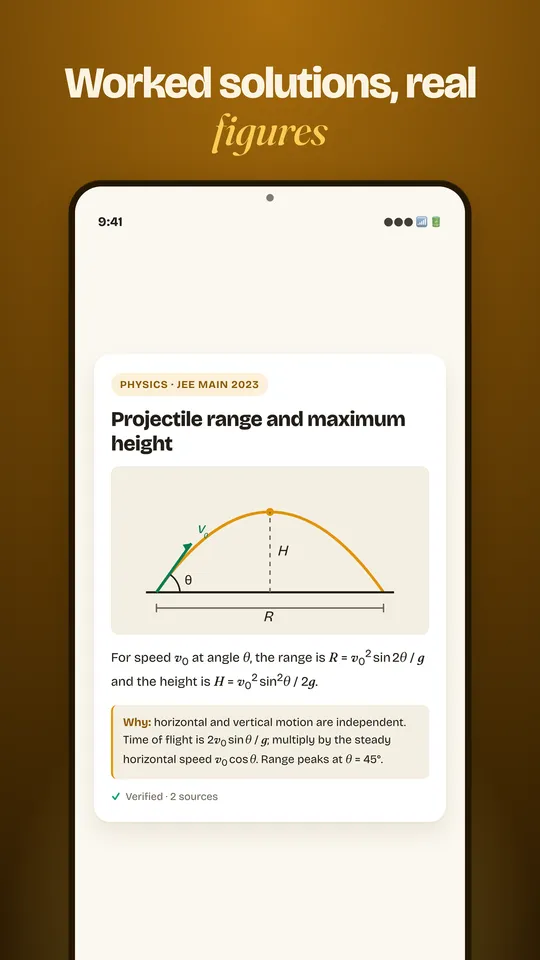
Every question comes with a full explanation that teaches the concept, not just the answer. It includes the diagram, graph or figure when the problem calls for one. MCQs and numeric (integer) answers both work exactly like the real exam, down to the number pad.
- MCQ + numeric answers
- Worked solutions
- Diagrams & figures
- Verified answer keys
Your schedule, your rules.
Lock times you control
Guard your apps in the morning, after dinner or all day before a mock. The gate runs on your schedule.
Three intensity presets
Steady, Balanced or Beast. Pick how often the gate asks for a question, from a gentle nudge to full lockdown.
Emergency unlock
For the moments that genuinely cannot wait, a true emergency exit is always there. No question, no guilt.
Streaks & stats
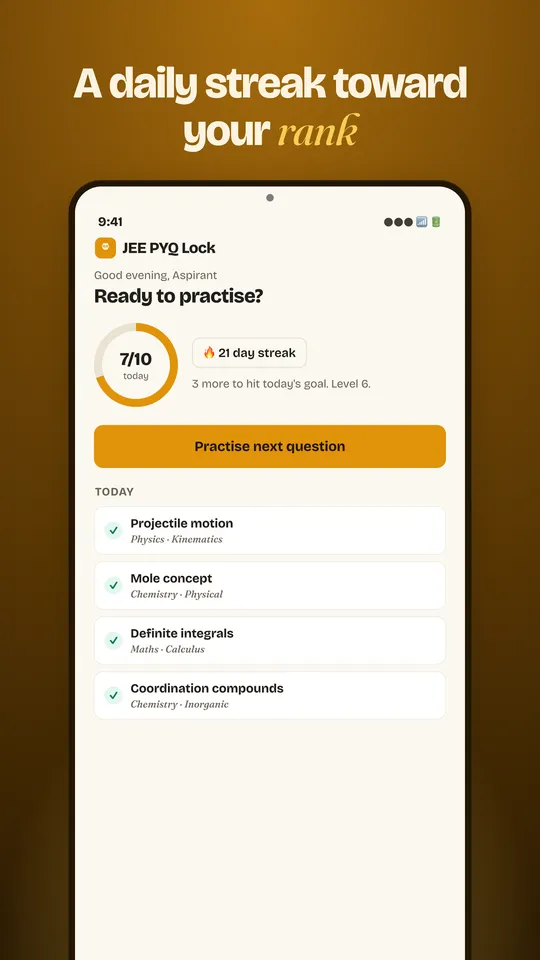
Build a daily streak, earn XP and level up, and watch your accuracy climb in each subject over time.
Private by design.
No account needed. Your data stays on your device. Your guarded apps, schedule, streak and practice history live in local storage on your phone, and uninstalling removes everything. There is no analytics SDK and nothing to sell, because nothing is collected.
Accessibility Service usage
JEE PYQ Lock uses the Android Accessibility Service only to detect when you open an app that you have chosen to lock. When a locked app is detected, a quick JEE question is shown before you continue.
The service only monitors which app is in the foreground. It does not read, collect, or share any screen content, personal data, or keystrokes. All data remains on your device.
You can disable the Accessibility Service at any time in your device settings.
The fine print lives in our Privacy Policy.
Turn scrolling time into rank.
Install JEE PYQ Lock and make every unlock count.
Get it on Google PlayAndroid today · iOS with Screen Time coming soon