
Remove watermarks from AI videos
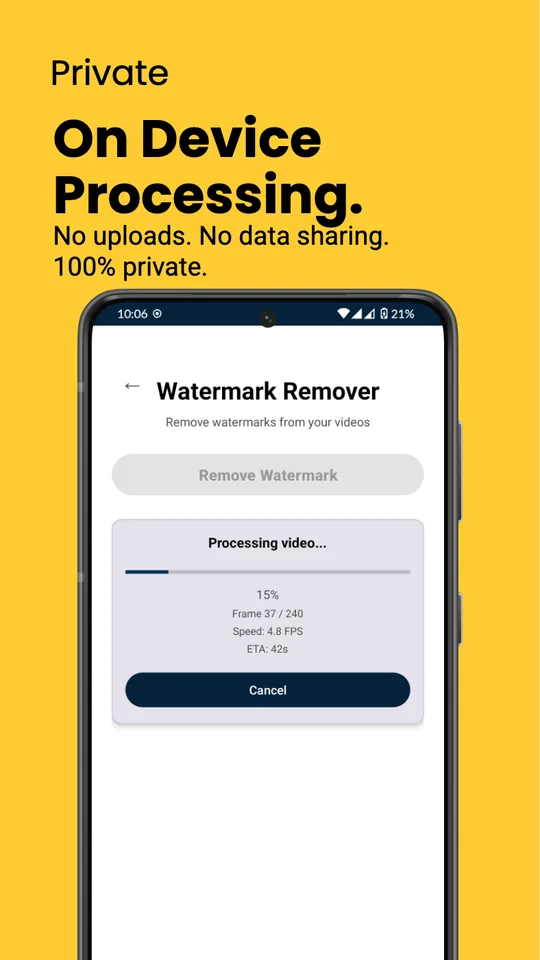
Dock finds the watermark on videos and images made with Sora, Kling AI, Veo and Nano Banana, and removes it right on your phone. Nothing is uploaded, and there is no daily limit.
Get it on Google PlayFree for Android 10 and later.
How it works
-
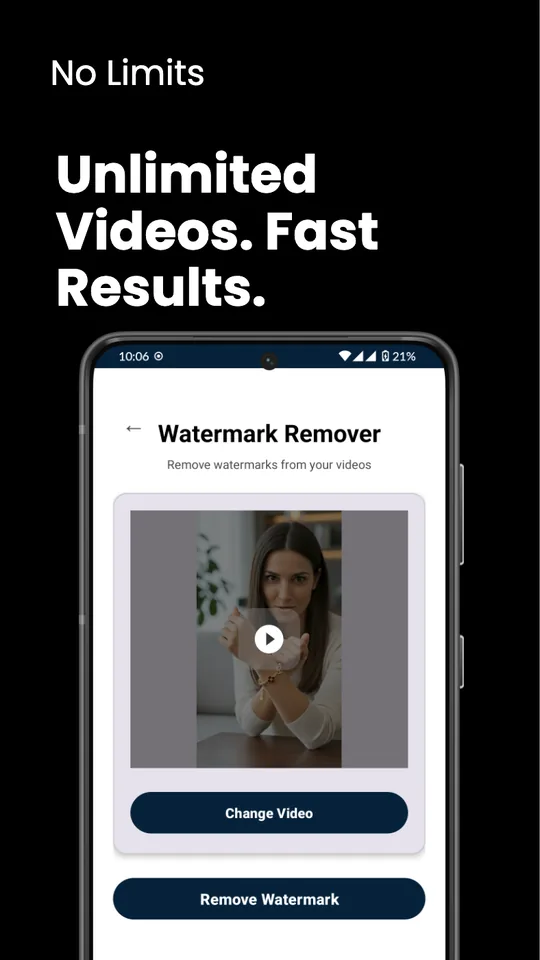
Pick a video or image
Choose a clip or a picture with the Android photo picker. Each file can be up to 100 MB.
-
Choose where it was made
Pick Sora, Kling AI, or Veo, Gemini and Nano Banana. Dock looks for that watermark in every frame, even when it moves around the video.
-
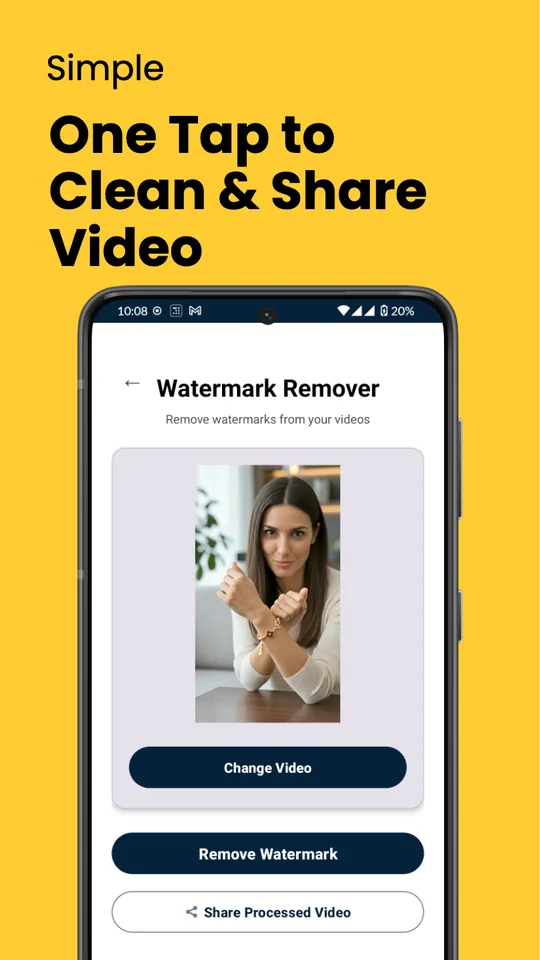
Remove it and save
Tap Remove Watermark, and Dock fills the spot with what was around it. Save the clean copy or share it straight away.
What it removes
- Sora
- The logo and @username that move around a Sora video. This one is built into the app.
- Kling AI
- The Kling AI mark on Kling videos. Dock downloads this detector the first time you choose it.
- Veo, Gemini and Nano Banana
- The Veo mark on videos and the Gemini sparkle on images. Gemini images are restored exactly, by reversing the watermark pixel by pixel.
Your clips stay on your phone
Dock does all of its work on your phone. Your videos and images are never uploaded, to us or to anyone else, and there is no account to make.
The free version shows ads from Google AdMob, and the app uses Google Firebase to count crashes and see which features get used. Neither one ever receives your videos or images. Our Privacy Policy has the details.
Dock Pro: pay once, no ads
One purchase through Google Play removes every ad and unlocks batch processing, so you can clean a whole set of videos in one go. It is a lifetime purchase, not a subscription, and the app shows the price before you pay.
On a new phone, sign in with the same Google account and tap Restore purchases in Settings.
Questions
More on our support page.
Is Dock free?
Yes. Dock is free with ads. Dock Pro is an optional single payment that removes the ads and adds batch processing.
Which phones does it work on?
Android phones running Android 10 or later, through Google Play. There is no iPhone version.
Are my videos uploaded?
No. Your videos and images are processed on your phone and never leave it. Dock goes online only for ads, crash and usage statistics, purchases, and to download the Kling AI and Veo detectors.
Can it remove any watermark?
No. Dock is made for the watermarks that Sora, Kling AI, Veo and Gemini put on what they generate. Use it only on content you made or have the right to edit, and label AI content wherever you post it if the platform asks you to.
Was this app called SoraDock?
Yes. SoraDock is now called Dock. It is the same app, and its pages moved here from soradock.com.
Is Dock made by OpenAI, Kuaishou or Google?
No. Dock is an independent app by ReelMoney. It is not affiliated with, sponsored by or endorsed by any of them.
Clean your next clip
Dock is free on Google Play for Android 10 and later.
Get it on Google PlayQuestions? Email hello@reel.money.