Can I download TAKE yet?+
TAKE is currently in private beta through TestFlight. Public download is coming later. You can email us about availability using the link below.
Which iPhones can use TAKE?+
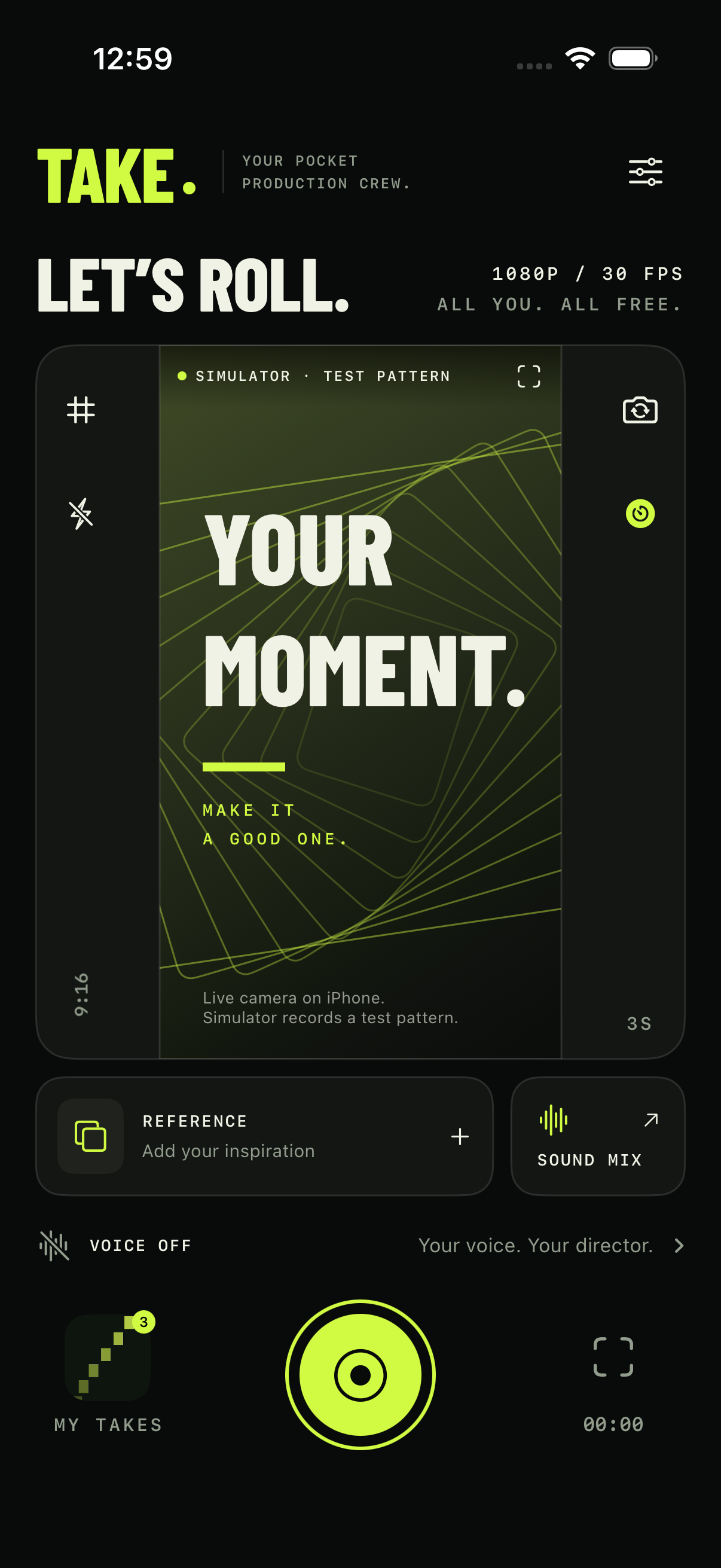
The camera, reference overlay and sound mix work on iPhones running iOS 18 or later. Voice commands require iOS 26 and an iPhone that supports Apple’s on device speech model. TAKE checks compatibility before setup. English commands are available in this version.
Does TAKE need Apple Intelligence?+
You do not need to enable Apple Intelligence. Voice control uses Apple’s speech recognition on supported devices. The first setup may need an internet connection to download the speech model.
Can I take photos too?+
Yes. Switch to Photo, choose a frame and capture a still. Use your reference as a visual guide, then preview, share or save the photo from My Takes. The guide stays out of the saved image.
How do scene stops work?+
In Reference, enable Pause at scene cuts. Scrub to each cut and add a stop. TAKE pauses the camera and reference together at each marker. Move into position, then resume with a countdown. Your preparation time stays out of the video.
Does every camera support 4K at 60 FPS?+
Available resolutions, frame rates and stabilization depend on your iPhone and the camera you select. TAKE shows supported options in Studio settings. Aspect crops reduce the dimensions of the saved file.
Will the reference appear in my photos or videos?+
The visual overlay only appears while you frame and capture. It is never added to your saved image or exported video. Reference audio is a separate choice in the video sound mix.
Is the voice assistant always listening?+
Only when you enable it in the open recording studio. It stops when you leave the studio or the app becomes inactive. Speech is processed on your device. Touch controls work with voice control turned off.
Is TAKE free?+
Yes. The current version is free, with no subscription, paid unlock or watermark.
Can I import a link from Instagram or TikTok?+
This version imports video files from Photos or Files. It does not download videos from social links. Choose content you own or have permission to use.