
App marketing
How to Promote Your App on TikTok With Slideshows
Turn app features into useful TikTok slideshows. Get a five slide example, content prompts, and a simple way to measure visits and signups.
By ReelMoney · Updated · 5 min read
You can promote an app on TikTok with a photo slideshow that helps someone solve a problem before asking them to install anything. Start with a situation your customer recognizes, explain a useful change, and show where your app fits. A list of features usually skips the part that makes a stranger care.
This guide uses a fictional meal planning app to show the process. The slide examples are writing templates, not customer testimonials or evidence of results.
Choose one person and one frustrating moment
“An app with recipes, shopping lists, and shared calendars” describes software. “A parent who gets asked what is for dinner while finishing work” describes a moment you can build a post around. The second version gives you a setting, an emotion, and a reason to keep reading.
Write a short brief before generating content. It should answer these questions:
- Who needs the product, and what are they trying to do?
- What do they currently do instead?
- What makes that workaround frustrating?
- Which single action in the app makes the task easier?
- What can you actually demonstrate with a screenshot or example?
For the meal planner, the brief could be: “Help busy households decide dinner together. They currently exchange messages and forget what ingredients they have. Show how choosing three meals produces one shared shopping list.” That is specific enough to guide a useful slideshow without turning every slide into an advertisement.
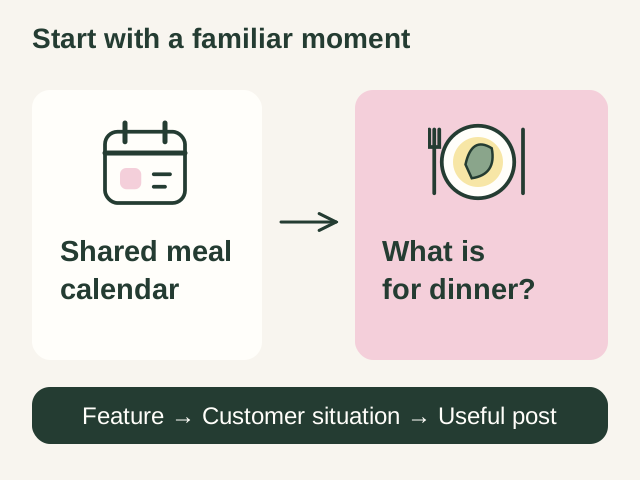
Turn features into topics people recognize
| App feature | Customer situation | Slideshow topic |
|---|---|---|
| Shared meal calendar | Everyone asks the same dinner question | A Sunday routine that makes weekday dinners easier |
| Receipt scanner | Receipts disappear before bookkeeping | What to save after every business purchase |
| Habit reminders | A new routine gets forgotten on busy days | How to make a habit easier to remember |
| Language practice | A traveler freezes during a simple conversation | Five phrases to practice before ordering food |
Collect wording from support questions, product reviews you are allowed to use, and conversations with customers. TikTok also offers Creator Search Insights in supported regions to explore topics people search for. Treat those topics as research prompts. They do not establish demand for your particular app.
A complete five slide example
Here is an original sequence for the fictional meal planner. The post delivers a small process someone can use even without downloading the app.
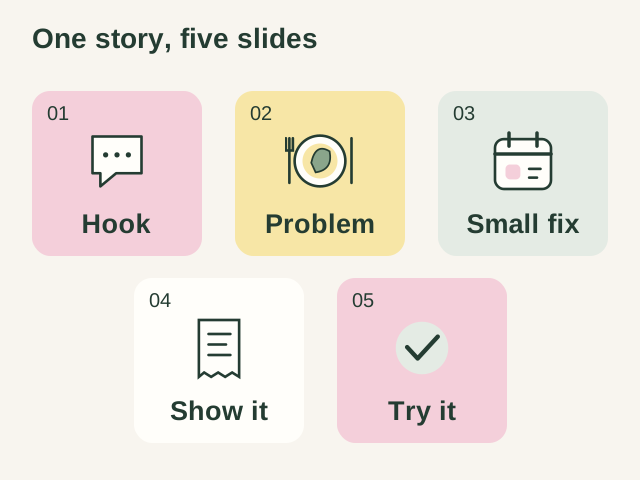
- Hook: “What is for dinner?” should not become your second job.
- Recognizable problem: Deciding at 6 pm means checking the fridge, asking everyone, and starting the same conversation again tomorrow.
- Useful change: Pick three easy dinners on Sunday. Leave one night for leftovers and one for a flexible option.
- Product demonstration: Put those three meals into a shared plan. Show a real screenshot of the shopping list your app creates.
- Next step: Want to build your own plan? Open the meal planner from our profile and choose your first three dinners.
Use a kitchen photo for context and a readable crop of the actual product for the demonstration. Replace the example with your real workflow. Avoid invented quotes, fabricated customer results, or a personal success story the person posting has never experienced.
Give each post a distinct job
A useful starting batch contains three types of posts. A problem post explains a frustrating situation. A tutorial teaches a small task. A demonstration shows the product completing that task. This gives you a way to learn whether the topic, explanation, or product proof is missing.
For a receipt app, those could be “The receipts you will wish you saved,” “A simple Friday bookkeeping routine,” and “Turning a folder of receipts into an expense report.” You can reuse the audience insight while changing what the reader gets from each post.
For more starting points, use our slideshow hook examples. Keep the promise small enough that the remaining slides can deliver it.
Connect the post to an appropriate next step
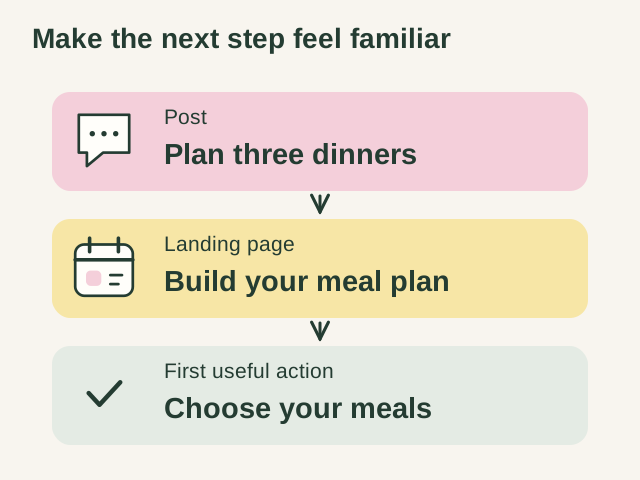
If the post teaches meal planning, send the visitor to a page about meal planning. A generic homepage with unrelated features creates extra work. Show the same use case, explain the next action, and make the install or signup button easy to find on a phone.
Where your account supports a website link, use a campaign tagged URL for a defined content batch. A shared profile link cannot reliably tell you which individual post caused every visit. Record when it was active, and avoid presenting that attribution as exact.
Track a short funnel: search or TikTok visit, signup, first useful action in the app, and paid conversion if relevant. Review views and saves alongside those outcomes. A popular post about a broad lifestyle topic may attract fewer potential customers than a smaller post about a specific problem your app solves.
Run a small experiment you can interpret
Start with two customer problems and write three posts for each. Keep the offer and destination consistent within a batch. Record the topic, opening line, format, publication date, profile visits where available, and website outcomes. Compare posts after similar amounts of time, and be cautious when the sample is small.
If people visit but do not sign up, inspect the landing page and offer. If the topic gets little attention, try a more concrete opening. If people sign up but never complete the first task, investigate the product experience. More posting does not solve every problem in that sequence.
To build the first batch, use the free slideshow idea generator for text drafts or the ReelMoney carousel maker for complete slideshows. Give it the audience, problem, and product demonstration from your brief, then review every slide before publishing.